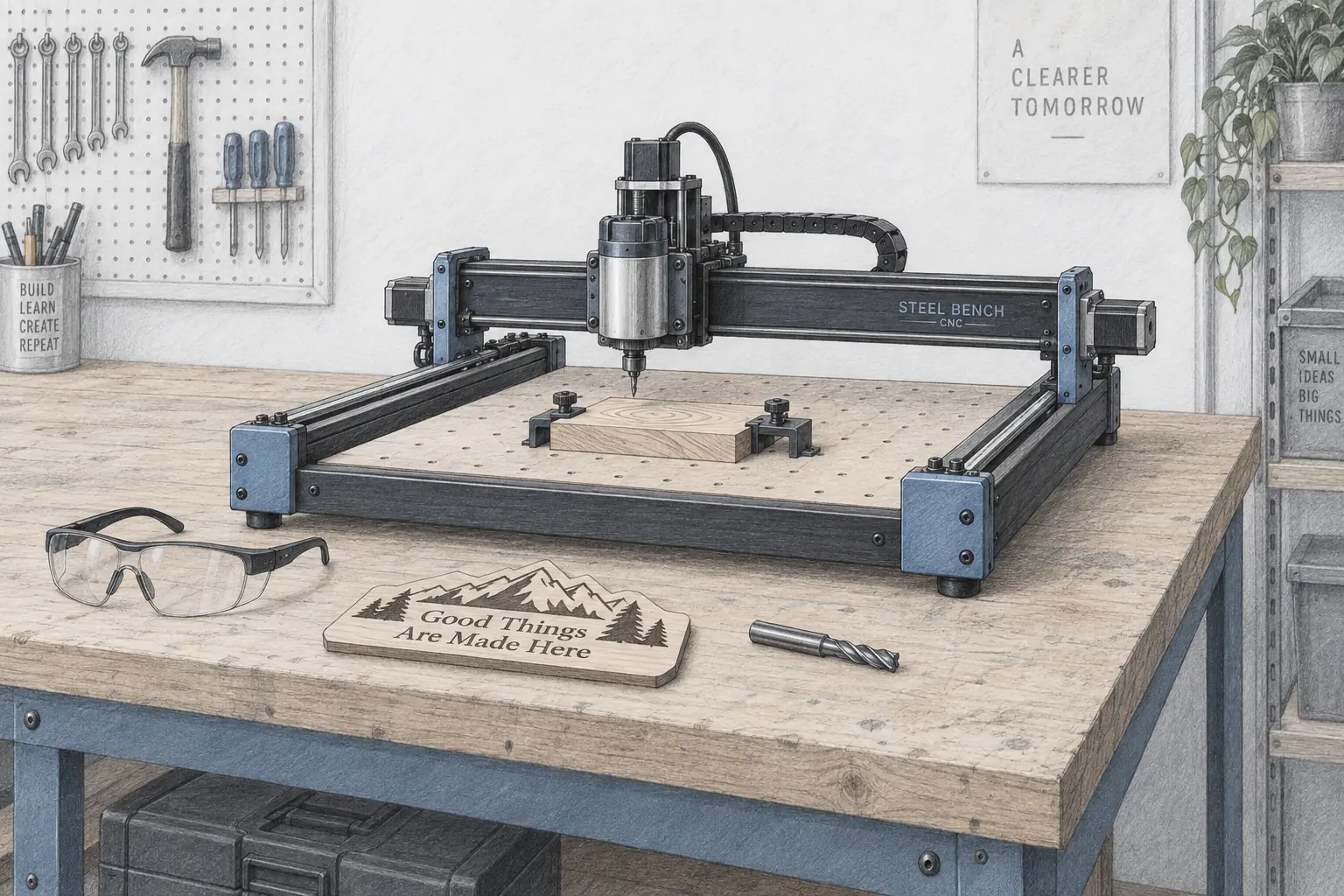
Best CNC Milling Machine for Home Makers (2026): 3 Desktop Picks
Accessories
A desktop CNC lets you cut flat stock and simple parts instead of printing them. These three machines cover a $379 starter, a $548 all-rounder, and a bigger 465 mm bed.
Our picks
A desktop CNC milling machine cuts flat stock instead of printing it. That is the appeal for a home maker. You can turn a sheet of plywood into a sign, a block of acrylic into a faceplate, or a thin aluminum plate into a bracket, and you can do it with a rigid frame and a spinning bit rather than a hot end.
The best CNC milling machine for most home shops is the Twotrees TTC450 Pro, because it balances a usable bed size against a price that still makes sense for a garage. If your bench is still coming together, the rest of our accessories guides cover the supporting tools, and the 3D printer enclosure guide is worth reading if dust is your main worry.
Before you buy, be clear about what you want. A CNC engraves flat stock and cuts shapes. A laser engraves and cuts thin material too, and our best laser engraver for beginners guide covers that lane. If your projects are rounded, dimensional, and textured, you probably want a 3D printer rather than either.
What is a home CNC milling machine for?
These are small gantry routers. A bed holds the stock, a gantry moves a spindle in three axes, and a controller reads G-code to follow a path. On a budget machine, the useful work is signs, relief carvings, jigs, faceplates, and light cuts in soft metal. They are not lathes and they are not production mills.
What three specs actually decide how much you enjoy one?
Work area sets the biggest project you can clamp. Spindle power sets how fast the bit can bite without stalling. Frame rigidity sets whether the cut stays at the depth you asked for. A bigger bed with a flexing frame is worse than a smaller one that holds still, which is why the top pick spends its money on the frame as much as the bed.
Desktop CNC picks at a glance
Which machine fits your first project?
A nameplate or a coaster fits any of the three. A half-sheet sign or a cabinet panel needs the 460 mm bed. If your first project is small, the 3018 teaches the workflow for the least money, and the lessons transfer directly when you buy a bigger frame later.
Best overall: Twotrees TTC450 Pro
The Twotrees TTC450 Pro is the pick for most home shops. It gives you a 460 x 460 x 80 mm working area on an all-metal aluminum and stainless frame, with a high-precision Z axis driven by a NEMA 57 stepper that positions to 0.0025 mm. That last part matters more than it sounds. A steady Z axis is what keeps a varnished sign even from edge to edge.
The controller is a GRBL board with a 3.5-inch IPS touch screen and an offline mode, so Candle, Universal Gcode Sender, Easel, and Fusion 360 all work and the machine can run a job from a card. The control box also carries a 4th-axis rotation port and a laser module port, so it can become a rotary or combined CNC-and-laser machine without a new purchase.
The honest limit is spindle torque. This class of machine cuts 1/8 inch bits through wood, acrylic, and MDF all day, and it engraves light aluminum, but it is not a metal mill. It is a stepping stone for small projects with small bits, and that is exactly right.
Choose the TTC450 Pro if you want one machine that covers signs, carvings, and small parts. Skip it if most of your work is metal, because you need more rigidity than any machine in this price band offers.
Why a NEMA 57 Z motor matters
The Z axis sets the depth of every pass. A stronger Z stepper resists the pull of the cutter and keeps the depth where you set it, so a deep relief does not drift shallower across a wide cut. On a cheap machine with a weak Z motor, the bit climbs as it loads up, and the sign gets lighter on one side.
Best budget starter: LUNYEE 3018 PRO MAX
The LUNYEE 3018 PRO MAX is the cheapest sensible way in. It has a 300 x 180 x 80 mm working area, a 500W spindle that runs up to 12,000 rpm, six limit switches, and an emergency stop. For a first machine, the offline controller is the feature that stands out, because it lets you test motion without a computer and confirms the machine is alive before you blame your G-code.
The all-metal frame uses reinforced aluminum profiles and 12mm optical axes, and the Z travel is deeper than a typical 3018, which matters if you want to carve into thicker stock. The 1.8 inch offline display shows coordinates, so it can run a job from an SD card on its own.
The tradeoff is the bed. At about 300 x 180 mm you are doing trim pieces, engraving, and small plates rather than half a sheet of plywood. The stock cutters also leave burrs on aluminum, and the kit benefits from a better USB cable. Neither is a dealbreaker at this price.
Choose the LUNYEE if you want to learn the workflow cheaply and mostly cut small parts. Skip it if your first project is a large sign.
What can a 3018 actually cut?
A 3018 handles wood, MDF, acrylic, and light engraving on aluminum. Keep the passes shallow and the bits small. It is a teaching machine: it cuts slowly and rewards patience, and the workflow you learn on it carries straight over to a larger frame.
Best for bigger jobs: Twotrees TTC450 Ultra
The Twotrees TTC450 Ultra is the step up for work that outgrows a small bed. It offers a 465 x 465 mm work area, a 500 W spindle that runs 8,000 to 30,000 rpm through an ER11 chuck, and an all-metal chassis with MGN12H dual linear rails and T8 lead screws. The control board adds Wi-Fi and Bluetooth ports, a 4th-axis expansion, and a handwheel option.
That combination suits panels, large signs, and repeat work. The linear rails are the real difference from a budget router, because they cut vibration at speed and hold accuracy across a long cut. The spindle is also upgradeable to a 3000 W trim router, which is what makes heavier aluminum work possible later.
The honest caveat is quality control. Reports on this class describe uneven rails and loose fasteners out of the box, so check the motion and re-tension before your first job. Add a rail and lead-screw lube to your routine and it stays accurate. Ignore it and you will scrap a part.
Choose the TTC450 Ultra if you need a big bed and long sessions. Skip it if your projects fit on a 460mm machine, because you would be paying for area you do not use.
Why linear rails beat rubber wheels
Rubber-wheel gantries are cheap and quiet, but they wear and flex under load, so a deep cut drifts. Linear rails run on steel, hold their line under a heavier cut, and keep the same accuracy after a hundred jobs. On a machine this size, rails are what let you trust a long pass.
How do you get a first cut without wrecking material?
Plan on two learning curves, not one. The machine is the easy half. CAM is where the evenings go.
Start with a simple design and a known toolpath. A nameplate or a coaster with a shallow pocket teaches you work zero, feed rate, and depth per pass without risking much material. Save the intricate relief until the basics are boring.
Workholding decides whether parts come out or fly across the shop. Double-sided tape and thin superglue hold small parts well on a spoilboard, and clamps handle bigger stock. Keep a spare spoilboard so a mistake costs a board instead of a machine.
Keep the machine clean. Dust from MDF and wood packs into a lead screw and turns into grit. Brush the rails after each session, and add a dust shoe once you are cutting regularly. If the machine lives indoors, the same airflow advice from our 3D printer enclosure guide applies to dust as much as fumes.
What will these machines cut and not cut?
The pattern is simple. Soft sheet goods are the point of these machines, and metal is a bonus within tight limits. A heavier spindle helps, but rigidity is what actually decides whether aluminum works.
When is a CNC the wrong buy?
Skip a CNC if your projects are rounded, textured, or organic. A router makes flat parts and shallow reliefs. A 3D printer makes the dimensional shapes, and a laser handles flat surface work faster. Buying the wrong tool is how people decide a whole category is frustrating.
Skip it if you cannot spend the time on CAM. The machine will cut what you tell it to cut, including into its own bed if the zero is wrong. Budget a few evenings before your first useful part.
Skip the big machine if you are not sure yet. A 3018 is cheap enough to learn on, and the workflow transfers directly to a larger frame later. Buy area only when you have a project that needs it. Our best digital calipers for 3D printing guide covers the measuring tool you will reach for to check every part.
Bottom line
The Twotrees TTC450 Pro is the best CNC milling machine for most home makers, with a 460mm bed, an all-metal frame, and a NEMA 57 Z motor that holds depth across a wide cut. The LUNYEE 3018 PRO MAX is the cheapest way to learn the workflow, with an offline controller that proves the machine before you write a line of G-code.
The Twotrees TTC450 Ultra is the pick when you need a 465mm bed and a spindle that runs for hours. Buy the one that matches your first real project, keep the cutters small, and learn CAM before you buy a bigger frame.
Frequently Asked Questions
What is a CNC milling machine?
A CNC milling machine is a computer-controlled cutting tool that moves a spinning bit through wood, plastic, or soft metal along a programmed path. On a desktop scale it looks like a small gantry router with a bed, and it takes a design file and turns it into a cut part. The "CNC" just means the motion is driven by G-code rather than by hand.
What is the best CNC mill for beginners?
The LUNYEE 3018 PRO MAX is the easiest place to start because it ships mostly assembled, has an offline controller for testing the axes, and costs the least here. If you already know you want a 460mm bed, the Twotrees TTC450 Pro is the better long-term buy for a little more.
How much do CNC machines cost?
A desktop hobby machine runs about $200 to $1,000. The budget end, around $200 to $380, buys a 3018-class router with a small bed and modest spindle. Around $550 gets a rigid 460mm machine like the Twotrees TTC450 Pro. Above $800 you are buying work area and a spindle that can run for hours.
Can a desktop CNC cut aluminum?
Yes, carefully. These machines cut thin aluminum sheet and small brackets with shallow passes, a single-flute cutter, and conservative feed rates. They are not built for heavy stock removal. If aluminum is most of your work, plan on light cuts, good clamping, and accepting that each part takes a while.
Do I need a 3D printer to own a CNC?
No, they are separate tools with separate skills. They do pair well, though. A printed dust shoe, a printed clamp, or a printed fixture is often the fastest way to solve a workholding problem. Both live in our accessories guides.
What software do desktop CNCs use?
Most run GRBL firmware, which talks to Candle, Universal Gcode Sender, Easel, or Fusion 360. You design the part in CAD or a sign-making tool, generate G-code from a CAM step, then send it. The machine side is the easy half. Learning CAM is where the first week goes.
Is a CNC router the same as a milling machine?
They overlap. A router spins a bit at high speed for wood and sheet goods, while a milling machine turns a cutter more slowly with more rigidity for metal. Desktop hobby machines are usually routers that can mill soft metal if you keep the cuts light.