Best Flush Cutters for 3D Printing (2026): Xuron, Klein, and When to Skip
Accessories
A flush cutter is the small tool you use the most after the printer itself. The Xuron 170-II is the daily driver for PLA and PETG supports. The EVERTOOLS 10-pack keeps a cutter at every bench. The Klein D275-5 is the wider-grip backup. The Xuron 2175 is the heavy option when supports get chunky.
Our picks
A flush cutter is the second tool you reach for after the scraper. You use it after every print with supports. You use it again when purging color in a multi-material setup. You use it one more time when a brim needs cleaning up. Most home printers go through a cheap pair in six months and a good pair for years. It belongs in the wider 3D printer accessories.
This guide ranks flush cutters for the actual jobs on a home 3D printing desk: PLA figurines, PETG brackets, and the occasional polycarbonate or carbon-fiber blend. Browse the wider tool drawer in our 3D printer tools kit guide. For the matching plate work, see our 3D printer scraper picks.
What makes a flush cutter good for 3D printing
Three things matter on a home desk:
- A bypass cutting action that leaves one side of the cut flat against the model
- A slim enough tip to reach inside support trees and figurine interiors
- Enough handle comfort to trim ten purge towers in a row without a sore hand
A compression cutter (most cheap wire cutters) crushes more than it cuts. The result is a small bump on the model surface that you sand down. A shear or bypass cutter slices cleanly. The witness mark is tiny, often invisible under most paint.
Skip any flush cutter that ships as a 5-pack of mystery metal with no brand markings. The blades dull fast and the spring goes soft within a month.
Top pick: Xuron 170-II Micro-Shear Flush Cutter
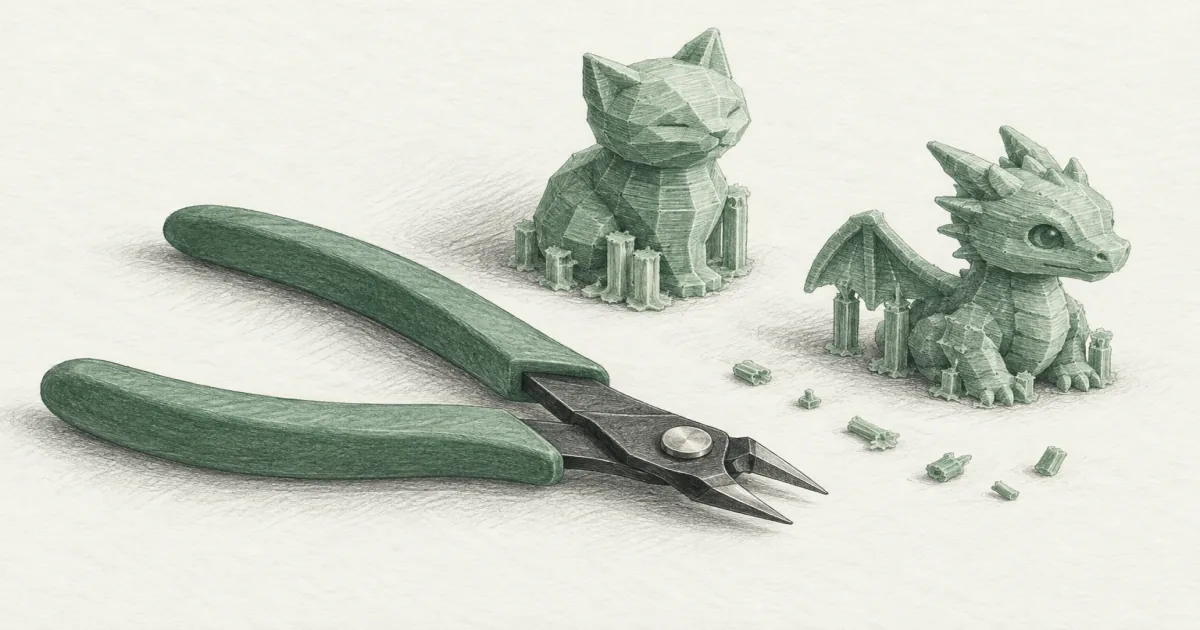
The Xuron 170-II Micro-Shear Flush Cutter is the daily driver for most home 3D printers. It is a 5-inch bypass cutter that leaves a flat, flush cut on PLA and PETG supports without the crushed edge cheaper cutters leave behind.
The slim profile reaches into the corners of small figurines and the inside of support trees on minis. Owners use the same pair for years. The Micro-Shear design also reduces hand force, so a long purge-trim session does not leave your fingers sore.
Buy this if you want one cutter that handles everyday PLA and PETG cleanup without thinking about it. Skip it if you regularly cut thick PETG support trees or polycarbonate, where a larger body like the 2175 below gives more leverage.
Bulk buy: EVERTOOLS 10-Pack Flush Cutters
The EVERTOOLS 10-Pack Flush Cutters are the value play. Ten compact spring-loaded cutters sell for about the price of two branded pairs, which is roughly $2 per cutter. That changes how you use them: leave one at the printer, one at the electronics bench, and one in the toolbox, and stop carrying a single pair from room to room.
The compact head and spring return are the same shape that makes any precision flush cutter comfortable for tight support work. The return spring is the part that matters most on a long cleanup job. Snip a hundred little nubs and a cutter that reopens itself saves real effort compared with one you have to spread with your fingers each time.
Think of these as bench consumables. A 10-pack makes sense if cutters keep going missing, if you share a shop with other people, or if you want a dedicated pair for zip ties and cable management so your good cutter stays clean. Buy the pack when you want coverage everywhere. Skip it if you want one premium tool that lasts years, because the Xuron 170-II is the better single cutter for that job.
Wider-grip backup: Klein Tools D275-5
The Klein Tools D275-5 Diagonal Flush Cutter earns the second slot because of its cushioned grips and slightly more substantial body. The 5-inch ultra-slim profile still fits tight corners. The handles spread the cut across a wider surface, which matters when you are trimming ten purge towers in one sitting.
Klein has been making US-made hand tools for a long time. The D275-5 shares the same heat-treated steel found on their electrician tools. You will see the same pair on job sites and 3D printing benches. If you already own Klein tools, the grip shape will feel familiar.
Pick this when hand fatigue matters more than absolute minimum tip size. It is also the safe second pair to keep at the bench when the Xuron goes missing.
Heavy supports: Xuron 2175 Maxi-Shear Flush Cutter
The Xuron 2175 Maxi-Shear Flush Cutter is the heavy option. The 5.8-inch body is bigger and the cutting edges are tougher. It handles thicker PETG and polycarbonate support trees without the blade flex you feel on a smaller cutter when the section gets chunky.
This is also the cutter to grab for bench wiring jobs. It cuts soft wire up to 12 AWG cleanly. If you build your own printer electronics or splice bench fans, the 2175 pulls double duty.
Skip this for everyday PLA figurine cleanup. The larger body is overkill for thin supports, and you lose some of the inside-corner reach that makes the 170-II so useful.
How to cut supports without scarring the part
Angle the blade so the flat side faces the model. The Xuron and Klein both leave a clean cut on the side opposite the angled edge. Cut about a millimeter away from the part wall, then sand or clip the nub flat. Cutting right at the wall leaves a divot that shows up after painting.
For visible figurines, a final pass with a fresh sharp blade at the very base of the nub leaves almost no witness mark. Sand with 400-grit, then 600, then move to primer. Most of the work is in the cut, not the sanding.
For functional parts that hide under a bracket, leave a slightly longer nub. You will not see it and the support base is structurally stronger.
When a flush cutter is the wrong tool
A flush cutter is not a scraper. It will not free a welded print from PEI. It is not a chisel. It will not pry apart brims. It is not a wire stripper. Use the right tool for the harder job and your cutter stays sharp.
If you find yourself prying with the tip, stop and reach for the scraper instead. If the blade starts leaving crushed marks instead of clean cuts, the edge is dull and you need a replacement. A worn cutter is more frustrating than no cutter at all.
Common beginner mistakes
Using kitchen scissors on supports. The blades crush the plastic and the gap is too wide for tight support trees. A dedicated flush cutter costs less than a bottle of filament and saves you sanding time on every print.
Using the cutter as a screwdriver. Do not. The tip bends and the cut goes off-axis. You will ruin a pair in a week.
Cutting supports on a hard surface. Put a cutting mat or a scrap piece of cardboard under the part. Otherwise the cut edge rolls against the table and dulls faster.
Quick comparison
Bottom line
The best flush cutter for most 3D printing setups is the Xuron 170-II Micro-Shear Flush Cutter. Reach for the Klein Tools D275-5 when grip comfort matters during a long cleanup session, pick up the EVERTOOLS 10-Pack when you want a cutter on every bench, and go with the Xuron 2175 Maxi-Shear when you regularly cut thick PETG or polycarbonate support trees.
Browse more bench tools in our 3D printer tools kit guide. For the matching nozzle work, see how to unclog a 3D printer nozzle.
Frequently Asked Questions
What is the best flush cutter for 3D printing?
The Xuron 170-II Micro-Shear Flush Cutter is the daily driver for most home desks. It uses a bypass cutting action that leaves a clean, flat cut on PLA and PETG supports without the crushed mark that cheaper compression cutters leave behind. It is also small enough to reach the inside corners of figurines and support trees.
Can I use regular wire cutters for 3D printing supports?
You can, but compression-style cutters leave a small bump or white witness mark on the cut. Shear-style flush cutters like the Xuron and Klein leave a cleaner result that needs less sanding. For visible figurines and final parts, the upgrade is worth a few extra dollars.
Are Xuron flush cutters worth it for 3D printing?
Yes for regular PLA and PETG support trimming. The Micro-Shear blade bypass design cuts with a shearing action rather than pinching, so the cut is clean and the blade stays sharper for longer. If you only trim supports a few times a year, a cheaper set still works.
What size flush cutter should I buy for 3D printing?
A 5-inch cutter is the most versatile. Shorter cutters fit inside figurines but lack leverage for thicker support trees. The Xuron 170-II and Klein D275-5 are both 5-inch. Move up to the 5.8-inch Xuron 2175 when you regularly trim thick PETG or polycarbonate supports.
Can flush cutters damage my 3D prints?
They can if you cut too close to the part wall. Leave about a millimeter of support nub and trim with the blade angled away from the model face. For a smooth final finish, sand or clip the nub flat with a fresh blade. Cheap blades crush more than they cut.
How do I keep flush cutters sharp?
Cut only soft plastics and soft wire. Do not pry, do not cut zip ties on a hard surface, and do not use them as tweezers. Wipe the blade with a dry cloth after each session and store it in a small pouch so the tip does not roll against other tools.
What is the difference between flush cutters and side cutters?
Side cutters are usually compression cutters made for cutting wire. Flush cutters use a bypass cutting action designed to leave one side of the cut perfectly flat. For 3D printing, where you want a flat cut against the model surface, flush cutters are the better tool.
Should I buy a 10-pack of flush cutters?
If you work in more than one spot, yes. A 10-pack like the EVERTOOLS set costs about the same as two branded pairs and lets you keep a cutter at the printer, the electronics bench, and the toolbox. The tradeoff is that pack cutters are light-duty: treat them as consumables for PLA, PETG, zip ties, and soft wire, and keep one good pair like the Xuron 170-II for anything that feels tougher.