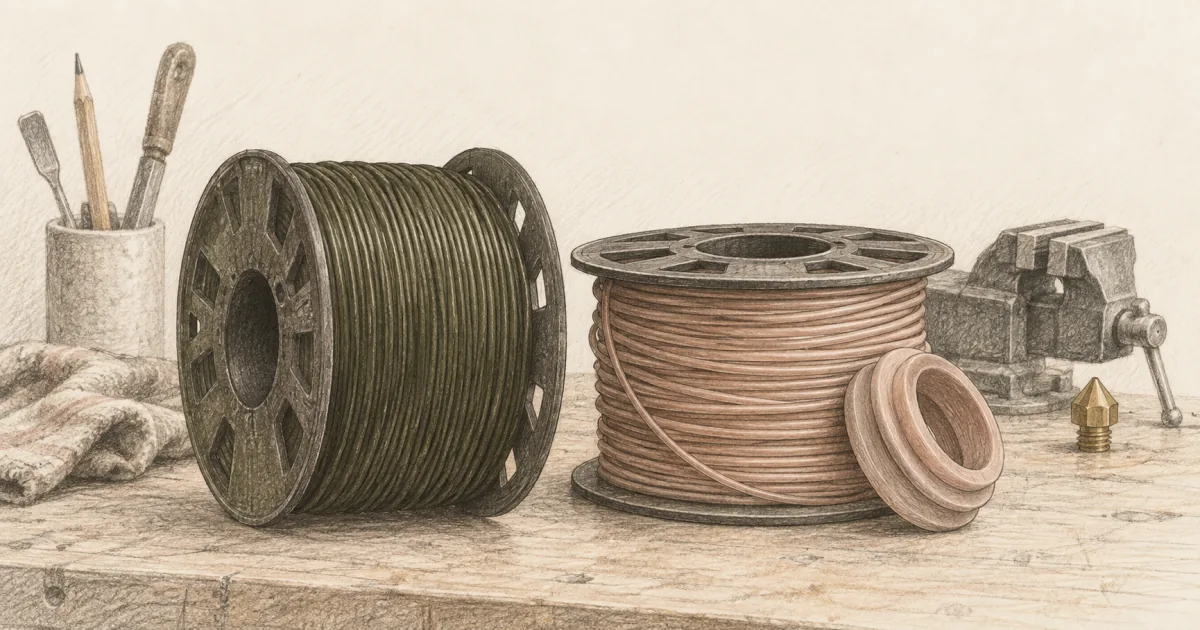
PETG vs TPU Filament: Tough Brackets or Flexible Gaskets?
Filament
PETG is for parts that should not flex. TPU is for parts that must flex. Picking wrong wastes a spool and an evening. Here is how to choose between them, and which spools to keep on the shelf.
Our picks
PETG vs TPU is a fork people hit when PLA stops being enough, but for two different reasons. PETG is the toughness upgrade: brackets that survive a drop, bins that hold weight, light outdoor hooks that PLA cracks on. TPU is a different tool entirely: flexible bumpers, gaskets, vibration dampers, and parts that must bend without breaking.
Mix those jobs up and you get a rigid PETG bracket that snaps the day it flexes, or a soft TPU mount that droops when it should hold a battery. The two materials solve different problems, so comparing them on one strength scale misses the point.
If you are still deciding between PLA and PETG, start with PLA vs PETG. For heat-tough parts instead of TPU flex, see PETG vs ABS. For PLA on the soft side of the same fork as TPU, see TPU vs PLA filament. For a broader shopping list, see best 3D printer filament. For the moisture habits both filaments share, see filament dryer. The wider filament guides collects every comparison and brand guide.
PETG vs TPU at a glance
PETG prints cooler than ABS and behaves like a tougher PLA. TPU prints slower and flexes after the bed lets go. That speed-and-path detail is behind most "TPU is impossible" complaints.
Choose PETG: Overture High Speed PETG
OVERTURE High Speed PETG Filament 1.75mm, 1kg Black is the practical tough spool for home FDM. It is the black 1.75 mm roll most desks reach for first when PLA clips keep cracking.
When should you print PETG instead of TPU?
Print PETG when the part must hold its shape under load, like a wall bracket, a bin, or a shelf hook. PETG is stiff and stays stiff, so it carries weight where TPU would sag. Reach for TPU only when the part has to bend and return.
What settings does PETG need?
Overture's own guide puts the nozzle at 230 to 250 °C, the bed at 80 to 90 °C, and the fan at 30 to 50% after the first two or three layers. Dry the spool at 60 °C for 5 hours. Paste the numbers into a named profile so you are not guessing next month.
Print PETG warmer than PLA, cool less aggressively, and dry the spool if stringing shows up. PETG forgives a lot once moisture is under control. It does not forgive a first layer mashed into textured PEI until the coating tears. Leave a little release room, or use a thin glue film on slick plates. For a deeper PETG guide with value and Creality options, see best PETG filament.
At the live spool price near $13.22 per kilogram, a 25 g bracket is about $0.33 of filament, so a failed print costs pocket change and about 40 minutes rather than a whole evening.
Skip PETG when the part will live on a hot dash or bake in a closed car. Softening is the failure mode, not dramatic cracking. PETG's glass transition sits near 80 °C, so it holds shape far longer than PLA indoors and still loses to the sun. And skip PETG when the part must bend. PETG bends a little, then breaks.
Choose TPU: Overture TPU 95A
OVERTURE TPU 95A Flexible 3D Printer Filament 1.75mm Space Grey is the flexible spool you add when the printer is already dialed in. 95A is the friendliest hardness for home FDM. It flexes enough for bumpers and gaskets without turning the extruder into a chewing contest.
When is TPU the right call?
Choose TPU when the part has to flex, seal, or soak up impact: bumpers, gaskets, feet, grips, and hinges. It is not a stronger PLA. A rigid bracket printed in TPU droops under load, and a rigid part printed in PETG snaps when it is forced to bend.
What settings does TPU need?
The slow profile that works on a modern direct-drive machine is about 30 mm/s, 0.2 mm layers, retraction between 0.4 mm and 0.7 mm, and a 1.5 mm Z-hop. Keep the nozzle in the spool's printed range, often 210 to 230 °C, and dry the spool first.
Direct drive is the easy setup. A long Bowden tube lets TPU buckle, the gears grind a flat spot, and you decide the hotend is clogged. It is often just a noodle in a tube.
A wet 95A spool is the usual reason a TPU print looks fine but feels weak. eSUN's sheet for this class says dry at 55 °C for more than 4 hours, and owners often run 24 hours at 55 °C on a spool that has been open. Dry first, then change settings.
At the pick's live price, the same 30 g bumper is about $0.60 to $0.80 of material, and at 30 mm/s it takes roughly 1.5 to 2 hours. A failed coupon costs minutes, so print the coupon before the part you care about. Those jobs tell you if the filament feeds cleanly. For a broader TPU guide with a black alternative, see best TPU filament.
Skip TPU when the part must be rigid or hold a load, because a flexible part will sag under weight.
How the prints feel in use
PETG clips flex a little and bounce back from desk knocks. A PETG bin holds weight. A PETG bracket keeps its shape on a shelf. TPU parts compress under thumb pressure and return to shape. A TPU bumper soaks up a drop. A TPU gasket seals a seam.
Neither material replaces the other. If the part must hold shape, do not print it in TPU and hope it stiffens up. If the part must absorb impact, do not print it in PETG and hope it survives the fall.
Layer adhesion matters more than marketing. PETG that prints wet looks rough and strings; TPU that prints wet looks soft and weak. In both cases the fix is the same: dry the spool before changing five slicer settings.
Switching materials without wrecking a week
- Finish a known-good PLA print so you trust the machine
- For PETG: unload PLA, purge at PETG temperature, drop part cooling, raise bed
- For TPU: unload PLA, purge at TPU temperature, drop speed to 20 to 40 mm/s, set retraction low
- Print a small coupon or bumper before a long job
- Store the open spool sealed or in a dryer between sessions
Do not change printer, filament, and slicer profile on the same night. Change one variable.
Print settings that usually differ
Copying a PLA profile onto either material is a classic stringing recipe. Copying a TPU profile onto PETG usually over-extrudes. Save two named profiles so you are not guessing next month.
When PETG is the wrong buy
Skip PETG if you only print figurines and gifts; PLA is still easier there. Skip PETG if the part must flex. Skip PETG if you will not dry the spool, because wet PETG strings badly and spoils the reason you chose it. And skip PETG for outdoor year-round parts. ASA or PC is the outdoor answer.
When TPU is the wrong buy
Skip TPU for rigid brackets, clips, and load-bearing parts. TPU is made to bend, so a part that has to hold a load will droop. Skip TPU as a first filament. Learn a dry PLA or PETG profile first; flexible filament hides too many variables at once.
Skip TPU on a long Bowden tube unless you are willing to print very slowly and constrain the filament. Direct drive is the easier first setup. Skip TPU on a hot dashboard. UV and heat age most 95A blends.
Storage and drying for both
Keep opened spools sealed. A simple dry bag with desiccant handles PETG on most home benches. TPU benefits from a 40 to 50 C dryer if the bag has been open for weeks. Higher temperatures soften TPU and ruin a spool, so do not push the dryer above the maker's spec.
AMS-style multi-material systems can be fussy with very soft filament. Check whether the unit is rated for TPU before loading a 95A roll into a color slot. If the path is long or the gears are light, print TPU from a simple direct-drive mount instead.
Real desk scenarios
A wall-mounted clip for a kitchen tool wants PETG. It holds weight, sits indoors, and never flexes. A gasket under a 3D-printed enclosure lid wants TPU. It seals against vibration and gives a little when you close the door.
A phone holder on a desk wants PETG. A phone grip sleeve wants TPU. A bike bottle-cage adapter that gets yanked daily wants PETG. A vibration damper under a fan or a router wants TPU.
If you are unsure, print the part in PETG first. Drop it, flex it, leave it in a warm windowsill. If flex is the failure, switch to TPU. If heat is the failure, switch to a different material class entirely.
Cost and waste
PETG failed prints from moisture cost dryer time and string cleanup. TPU failed prints from a long filament path cost failed coupons and a sore evening. Either way, budget the dryer or the direct-drive path once, not a new brand every month.
Do not stock five colors of both materials on day one. One black PETG and one black or gray TPU cover most learning. Color comes after the first successful functional part in each material.
More filament comparisons
For a wider filament shopping list, open best 3D printer filament. For machines that make either material less dramatic, see best 3D printer. For the moisture habits both filaments share, see filament dryer. More guides sit on the filament guides.
Bottom line
PETG vs TPU comes down to the job the part has to do. Overture High Speed PETG covers most rigid toughness needs on an open home printer. Overture TPU 95A is the pick when flex is the job and the printer has a direct-drive path. Buy one spool for the next three parts you will actually print, not a rainbow of both before the first coupon lands.
Frequently Asked Questions
PETG vs TPU: which should I buy first?
Buy PETG first. PETG behaves closer to PLA and forgives the same beginner mistakes. Move to TPU when you actually need a flexible bumper, gasket, or grip and the printer is already dialed in.
Can a printer do both PETG and TPU?
Yes. Most direct-drive home printers print both, just with different profiles and speeds. The split usually matters more than the machine: PETG wants a clean PEI sheet, TPU wants a short filament path and slow travel.
Which is stronger, PETG or TPU?
PETG is stiffer and stronger in compression. TPU is not "stronger" in the rigid sense; it flexes and absorbs impact. Pick by job: brackets and bins want PETG, bumpers and gaskets want TPU.
Do I need an enclosure for PETG or TPU?
Neither demands a sealed chamber like ABS. PETG benefits from one in a drafty room, especially when corners lift under an AC vent. TPU does not need heat; it needs a short, constrained filament path and slow travel.
Is TPU food safe?
Most 95A TPU spools are not certified food safe, and the layered surface is hard to clean. If the part touches food, buy a separately listed food-safe filament and check the brand documentation. Do not assume any spool is food safe because it says "natural."
Can I print TPU on a Bowden extruder?
Sometimes, very slowly, with a constrained path. Direct drive is the easier setup. A long Bowden tube lets TPU buckle and the gears chew a flat spot before you ever see the first layer land.
Which is easier to dry, PETG or TPU?
Both can be dried in the same filament dryer around 40 to 50 C. PETG is more obvious when it is wet (stringing and pops). TPU hides moisture as a "soft, weak" feel that looks like the brand is at fault.
Can I switch between PETG and TPU in the same AMS-style multi-material unit?
Some color systems handle 95A TPU; some do not. Very soft 70A-class filament often chokes the path. Check the maker's filament list before you load TPU into an AMS, or print TPU from a simple direct-drive mount.
Which one is better for outdoor parts?
Neither classic PETG nor 95A TPU is a long-term outdoor material. For sun and heat, look at ASA or PC blends. PETG handles light porch duty better than PLA; TPU holds grip and flex but UV will age it over months.
Should I keep both PETG and TPU loaded at once?
If your multi-material system is rated for TPU, yes. PETG on one slot, TPU on another, and you can switch between a rigid bracket and a flexible gasket without unloading spools. If the path is long or the unit is light, keep TPU on a simple direct-drive mount instead.