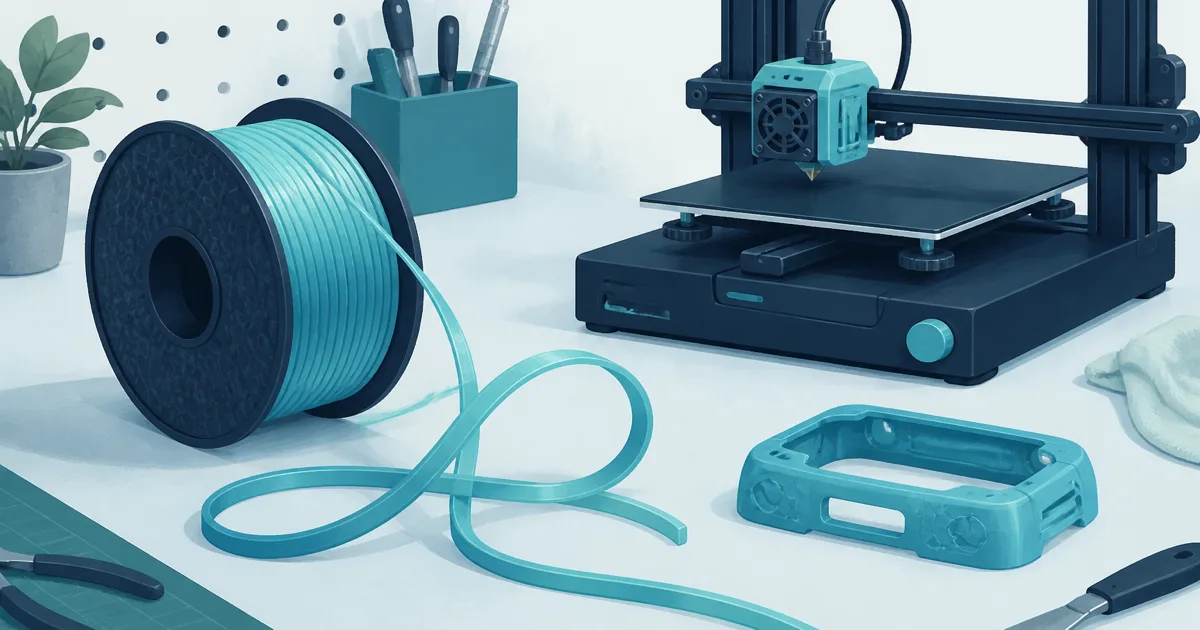
Best TPU Filament: Flexible Parts Without a Tangled Extruder
Filament
The best TPU filament for most home printers is a 95A spool on a direct-drive extruder, printed slowly and dried first. Overture is the everyday pick. eSUN is the widely reviewed alternative.
Our picks
The best TPU filament is the one that feeds without buckling. Soft filament looks fun in product photos and then jams in a long Bowden tube. Start with 95A, not the squishiest listing on the page.
A flexible spool fails for three reasons: it is wet, it is fed through too long a path, or it is printed too fast. This guide covers the drying clock, the settings that actually work, and the two 95A spools we would buy. Browse the broader field in our filament guides, and for rigid spools use the best 3D printer filament pillar.
What does 95A actually mean on a TPU spool?
95A is the shore hardness of the filament, and it is the number that predicts whether your extruder can push it. Lower numbers are softer. A 70A spool is genuinely squishy and genuinely hard to print.
The hardness band that works on home machines
95A is the mainstream band for home FDM. It flexes enough for gaskets, bumpers, grips, and cable strain relief, and it is stiff enough that a direct-drive extruder can push it without the filament folding beside the drive gear.
Two things surprise people about 95A. A thick 95A part feels surprisingly stiff in the hand while a thin wall of the same spool bends easily, so wall count changes the feel more than the brand does. And softer is not better. A 70A spool on a stock path usually grinds into a flat spot and jams.
Why the feed path beats the brand
The distance between the drive gears and the nozzle is the real limit. A short, tightly constrained direct-drive path is the easiest lane, and a well-tuned Bowden machine can still handle ordinary 95A jobs when the tube, couplers, and hotend entry leave little room for the filament to buckle.
This is why a spool that prints beautifully on one machine can fail on another with the same settings. Check the printer maker's current material guidance before you blame the filament, and do not assume a multi-spool unit accepts TPU just because it accepts rigid 1.75 mm spools.
Top pick: Overture TPU 95A
The OVERTURE TPU 95A is our default answer for the best TPU filament on a home desk. 95A is flexible enough for grips, gaskets, and bumpers without turning the extruder into a chewing contest, and it is a known-good spool on Bambu and Prusa class direct-drive machines.
Print it slower than PLA. Keep the path short. Direct drive helps. If you only have Bowden, constrain the filament so it cannot snake between the extruder and the tube, and drop the speed further than you think you need to.
Skip Overture TPU if you need rock-hard PETG brackets. Flex is the point. A phone-stand hinge is a fair first model. A precision gear is not.
Strong alternative: eSUN TPU 95A
eSUN TPU 95A is the alternative when you want a widely used black 95A spool and a manufacturer-published drying figure. Treat it with the same habits: dry first, slow down, and do not copy a PLA cooling profile.
The published number matters more than it sounds. A dryer display is not proof that the spool core reached temperature, so use the filament maker's figure as the reference and respect the dryer's own limits. Black makes skipped layers easier to see, which shortens the tuning loop.
If both brands are in stock, pick Overture for the everyday grey flex parts and eSUN when you specifically want black. Hardness class is the same idea either way.
How long does TPU need to dry?
eSUN's sheet for this 95A class says 55 C for more than 4 hours, and many owners run 24 hours at 55 C on a spool that has been open. If you can, print straight from the dryer.
Popping, bubbles, a foamy surface, and unstable extrusion all point at moisture, but so do nozzle residue, heat creep, and too much speed. Separate the causes before you rewrite a working profile. If a spool is already wet, sealed storage slows reabsorption but does not dry it.
What settings should I start with?
Start around 30 mm/s with 0.2 mm layers, retraction between 0.4 mm and 0.7 mm on direct drive, and the nozzle inside the spool's listed window. Change one variable per test.
One documented profile that worked on a modern CoreXY machine ran 30 mm/s, 0.2 mm layers, 2.5 mm retraction, and 1.5 mm Z-hop. If yours strings, drop the temperature 5 C before you touch retraction.
Can I run TPU in an AMS or multi-color unit?
Usually not. Flexible filament buckles in the long tubes, hubs, and buffers those systems use, and a jam inside a material unit costs an evening. Print 95A from a simple direct-drive mount and keep the automatic system for rigid spools.
If you do try it, check the maker's filament list first. Some systems accept 95A and some simply do not, and the failure looks like a hardware fault rather than a material mismatch. A short path and a dry spool solve more problems than any profile tweak.
What should I print first with TPU?
Print a small coupon, then a bumper, a grip sleeve, or a simple gasket. Skip shoe soles, medical claims, and anything that has to hold a person's weight. TPU is a material class, not a certified product.
The coupon is the whole point
A 30 g bumper at 30 mm/s takes roughly 1.5 to 2 hours, and the material costs about $0.60 to $0.80 at typical spool prices. That means a failed test costs minutes and pocket change, not a day and a wasted spool. Print the coupon before the part you care about.
Do not start with a 20-hour flexible figurine. You want a short print that tells you whether the path feeds, the temperature is right, and the spool is dry. If the bead is even and the surface is matte rather than glossy, you are close.
What to skip
Skip anything structural. TPU is a poor substitute for "I want stronger PLA," because it trades stiffness for compliance. Skip it as a first filament too, because flexible filament hides too many variables at once: path, speed, moisture, and first-layer squish.
When is TPU the wrong buy?
Skip TPU if you need a rigid bracket, a heat-resistant clip, or a first-week calibration cube. PLA and PETG still own those jobs. TPU is for flex, grip, and impact damping.
Also skip it if your printer has a long Bowden path and no room to shorten it. You can fight that setup and win occasionally, but a direct-drive machine turns TPU from a project into a normal material. If the machine is the problem, the fix is a machine, not a spool.
For everyday rigid spools, open best 3D printer filament. For machines that make feeding less dramatic, see best 3D printer. Keep the spool dry with the habits in filament storage and filament dryer.
Bottom line
The best TPU filament for most home printers is a reviewed 95A spool printed slowly on a short path. Start with OVERTURE TPU 95A. Use eSUN TPU 95A when you want the widely reviewed black alternative and a published 55 C drying figure. Dry the spool, slow the job, and skip the ultra-soft listings until a simple bumper actually finishes.
Frequently Asked Questions
What is the best TPU filament for a first flexible print?
A 95A spool that feeds without buckling. Our top pick is Overture TPU 95A. Skip ultra-soft 70A-class filament until you can finish a simple bumper without grinding.
How long does TPU need to dry?
eSUN's own sheet for this 95A class says 55 C for more than 4 hours, and plenty of owners run 24 hours at 55 C on a spool that has been open. Print from the dryer if you can.
Can I print TPU on a Bowden extruder?
Sometimes, very slowly, with a constrained path and a dry spool. Direct drive is the easier first setup. If the tube is long and the filament buckles, TPU will look like a broken printer.
What temperature should I use for TPU?
Start in the brand's listed nozzle range, often 210 to 230 C for these 95A spools, though owners on faster machines run 235 to 240 C. Copying a PLA profile prints stringy, under-extruded TPU.
Should TPU be dried?
Yes, and treat a freshly opened bag as still wet. TPU is hygroscopic enough that popping, bubbles, and weak layers show up fast. A dryer or sealed storage prevents "the spool is cursed" threads.
How fast should I print TPU?
Slow. A documented profile that works runs around 30 mm/s with 0.2 mm layers. If the extruder chews the filament, slow down before you buy a new hotend.
Can I put TPU in an AMS or multi-color unit?
Usually not. Flexible filament buckles in the long tube paths and buffers those systems use. Print 95A from a simple direct-drive mount and keep the AMS for rigid spools.
Is TPU good for outdoor parts?
It is good for flex, grip, and impact. It is not an automatic outdoor material. Check UV and heat needs. Do not assume a bumper print is a tire.