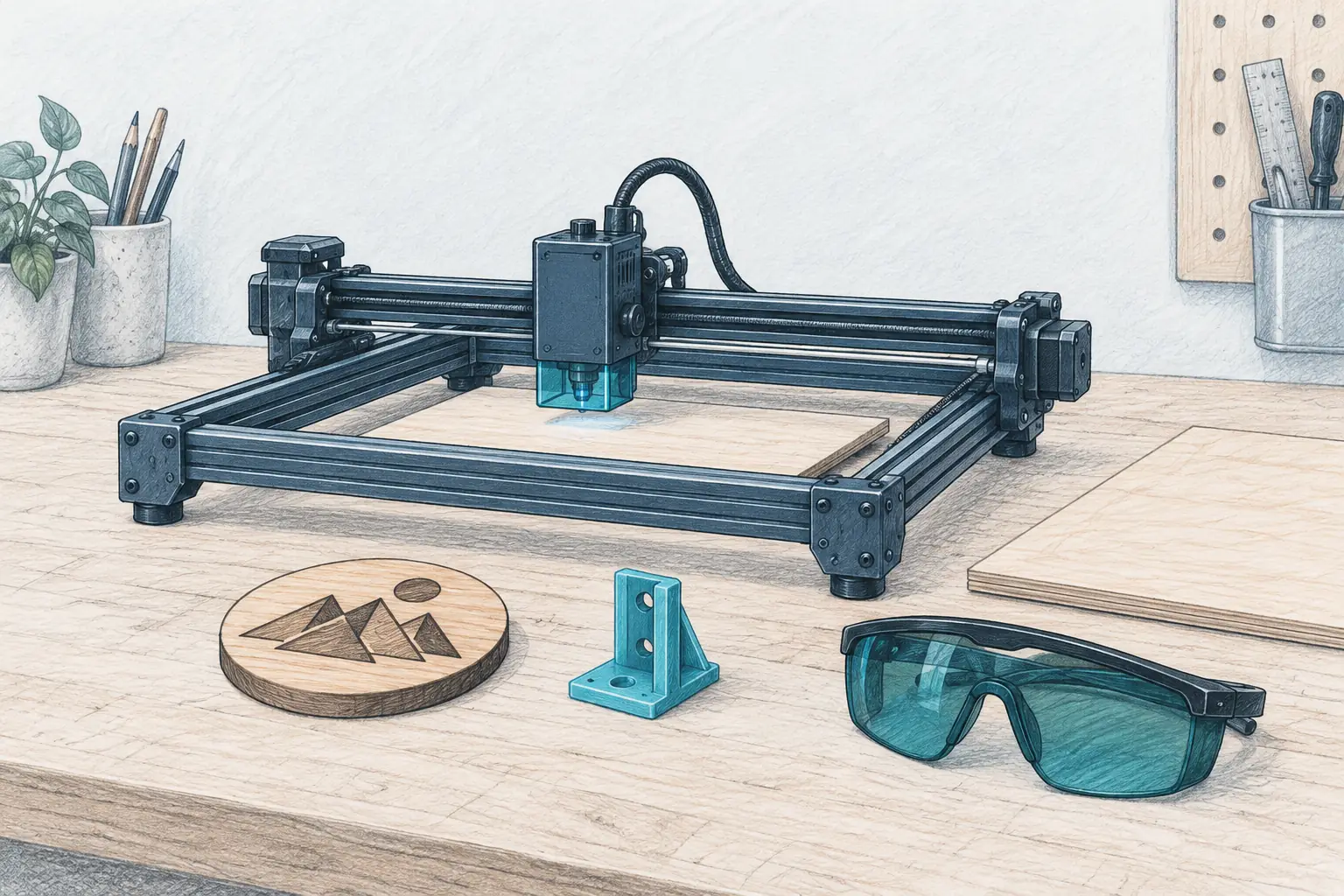
Laser Engraving Machine: What to Buy for a Home Bench
Accessories
A laser engraving machine is an engraver first and a cutter second. Pick by the room and the material list, not the wattage on the box, then match the work area to the projects you actually make.
Our picks
A laser engraving machine is an engraver first and a cutter second. It burns crisp marks into wood, leather, paper, and coated metal, and it cuts thin stock slowly. If you buy one expecting a fast cutter, you will be disappointed. If you buy it to personalize gifts and mark parts, it earns its bench space quickly.
Laser work sits beside 3D printing on a maker desk. Both start from a digital file, and both reward the same design habits. A laser marks and cuts flat stock while a printer builds a shape. Browse the rest of our 3D printing accessories guides, plan the room with the 3D printer enclosure pillar, and read best laser engraver for beginners if this is your very first machine.
What can a laser engraving machine actually do?
A home diode laser engraves far more than it cuts. It marks wood, leather, paper, cardboard, felt, glass, and coated metal, and it cuts thin plywood and basswood at hobby speed. That covers signs, coasters, tags, gifts, and personalizing 3D prints.
What a diode laser will engrave
Wood, bamboo, leather, paper, cork, cardboard, felt, glass, ceramics, and any coated metal are all fair game. The coating on an anodized tumbler or painted steel reacts to the beam, which is why a 10W diode can mark a water bottle even though it cannot touch bare steel.
What a diode laser will not cut
Clear, white, and most light-colored acrylics let the beam pass through or reflect it, so they stay uncut no matter the power. Bare steel, silver, and raw aluminum need an infrared module or a coating. Thick hardwood in one pass is a marketing claim, not a home-machine result.
How much does a laser engraving machine cost?
A working diode engraver starts around $87 for a small 2.5W machine, about $200 for a near-A4 10W machine, and about $466 for a fully enclosed Class 1 machine with a camera. The machine is not the whole cost.
What you pay beyond the machine
Budget for safety glasses if the frame is open, a small fire extinguisher, and material to practise on. A honeycomb bed helps airflow and protects the bench. Read our 3D printer fire safety guide before the first job, and keep the bench tidy the way you would for any 3D printer tools kit. None of that is expensive, but a laser is a tool that makes smoke and heat, so treat the extras as part of the purchase.
Do you need an enclosure to run one indoors?
You need either an enclosure or a dedicated ventilated space. Diode lasers make smoke and fumes you should not breathe, and the smell lingers on soft furnishings. An enclosed Class 1 machine is the simplest path to running one inside a home.
Open frame or enclosed: the room decides
An open-frame machine belongs in a garage, shed, or workshop with a window and a fan. It is a Class 4 laser, so eye protection and a clear space matter. An enclosed Class 1 machine contains the light and most of the smoke, which is why it is the only sane choice for a spare room or a kitchen-adjacent bench.
Best budget laser engraving machine: ACMER S1
The ACMER S1 Laser Engraver Machine, 2500mW is the entry point. Its 130 x 130 mm work area, 0.04 x 0.04 mm spot, and 10,000 mm/min speed are sized for small, detailed jobs rather than big sheets. It ships with Acmerstudio software free, and it also runs LightBurn and LaserGRBL, so you are not locked into one workflow.
The 2.5W module is honest about what it is. It engraves wood, leather, paper, acrylic, glass, and coated metal well, and it cuts only very thin stock. If cutting is the plan, step up to the 10W machine below. For engraving, the small spot is the feature that matters, and this machine punches above its price on fine detail.
Buy it if this is your first laser and you want the lowest-cost way to find out whether you enjoy it. Skip it if you need a bigger bed, or if the machine has to run in a shared living space, because an open frame and smoke do not belong in the same room.
Best all-round laser engraving machine: Carverall K15 Pro 10W
The Carverall K15 Pro Laser Engraver 10W is the pick for most home makers. The near-A4 300 x 200 mm work area is the size that actually fits gifts, signs, and small batches, and the 10W diode handles both engraving and light cutting. The aluminum frame has dual-axis scale marks for quick positioning, plus tilt protection and a protective shield.
It runs on free CutLabX software for PC, tablet, or phone, and it supports LightBurn and LaserGRBL for people who want a paid workflow. Offline jobs run from a TF card, so you do not need a laptop parked beside it. At $199.99 with a 1-year warranty and domestic replacement parts, it is the value in the middle of this list.
Buy it if you want one machine for engraving and light cutting without spending $400. Skip it if you need full enclosure or a bigger than A4 bed.
Best enclosed laser engraving machine: Creality Falcon A1 10W
The Creality Falcon A1 10W Enclosed Laser Engraver is the pick when the machine lives indoors. The Class 1 enclosure filters the light and stops the job if the lid opens, so no goggles and no clearing the room. The CoreXY motion reaches a 600 mm/s ceiling, and the 0.06 x 0.08 mm spot holds fine detail.
Auto material recognition and the built-in camera do the setup work that frustrates new owners. You place the material, drag the design onto it on screen, and the machine reads the stock. A 460 x 346 mm honeycomb bed comes in the box. The list price is $599, and it is $466 today.
Buy it if the laser has to live in the house and placement accuracy matters. Skip it if your whole plan is cutting thick hardwood all day, because that is a CO2 job.
What laser power do you actually need?
For engraving only, 2.5W to 5W is plenty. Step up to 10W when you want to cut 3 mm plywood or acrylic in a few passes. More watts buy cutting depth and speed, not finer engraving, so do not pay for power you will not use.
Do more watts cut thicker wood?
Up to a point. A 10W diode will cut 3 mm plywood cleanly, and 20W cuts deeper, but a diode laser still cannot cut thick hardwood in one pass. If cutting thick stock is the goal, a CO2 laser is the honest answer.
Keep a test grid on the bench
Every new material wants its own power and speed. Burn a small grid on the same species and thickness before you touch a gift piece, write the numbers on the blank, and keep the best settings taped inside the drawer. That habit saves more material than any settings profile.
Bottom line
Buy the Carverall K15 Pro 10W for the best balance of bed size, power, and price at about $200. Choose the ACMER S1 if you want to engrave small stock for under $90 and will upgrade later. Choose the enclosed Creality Falcon A1 10W when the machine has to run indoors and you value camera alignment over raw cutting power. Whichever you pick, plan the room and the ventilation first, then learn your settings on scrap.
Frequently Asked Questions
How much does a laser engraving machine cost?
A working diode engraver starts around $87 for a small 2.5W machine. A near-A4 10W machine runs about $200, and a fully enclosed Class 1 machine with a camera runs about $466.
Is it worth buying a laser engraving machine?
It is worth it if you make gifts, signs, tags, or personalized items more than a few times a year. A $87 machine covers about 30 small projects in its first month for under $3 each.
Can you make good money laser engraving?
Some people do, mostly on personalized gifts and small batches rather than one-off art. Treat it as a side income that grows from repeat customers, not a guaranteed return on the machine.
What is the best laser engraving machine for a home bench?
For most home makers the Carverall K15 Pro 10W is the best balance, because its 300 x 200 mm bed and 10W diode handle engraving and light cutting. Choose the enclosed Creality Falcon A1 if the machine must live indoors.
What can a diode laser not cut?
Clear, white, and most light-colored acrylics, because the beam passes through or reflects. It also cannot mark bare steel, silver, or raw aluminum without a coating or an infrared module, and it will not cut thick hardwood in one pass.
Do you need an enclosure to run a laser engraver indoors?
You need either an enclosure or a dedicated ventilated space. Diode lasers make smoke and fumes you should not breathe, and the smell lingers on soft furnishings. An enclosed machine is the simplest path to running one inside.
How many watts do you need?
For engraving only, 2.5W to 5W is plenty. Step to 10W when you want to cut 3 mm plywood or acrylic in a few passes. More watts mostly buy cutting depth, not finer engraving.
Can a laser engraving machine mark 3D prints?
Yes, and it is a good reason for a 3D printing household to own one. A diode laser marks printed PLA and PETG for labels and patterns, and it cuts thin printed flat parts and jigs. Test on a scrap print first.