3D Printer Camera: Catch Spaghetti Early Without Unsafe Overnight Myths
Accessories
A 3D printer camera helps you spot a loose first layer or failed support from another room. It is useful monitoring, not permission to leave a hot printer unattended.
Our picks
A 3D printer camera is not about making time-lapses for social media. Its useful job is catching a print that has already gone wrong: a first layer that peels up, supports that snap, or a nozzle making a plastic nest in midair. A clear view can save a spool and a few hours. It is one of the practical desk upgrades in our accessory guides.
If you already own a compatible Creality machine, the Nebula accessory is the direct fix. If you are shopping a new enclosed printer and monitoring matters, a built-in camera is often cleaner than another cable on the desk.
Put the camera where it can see failure
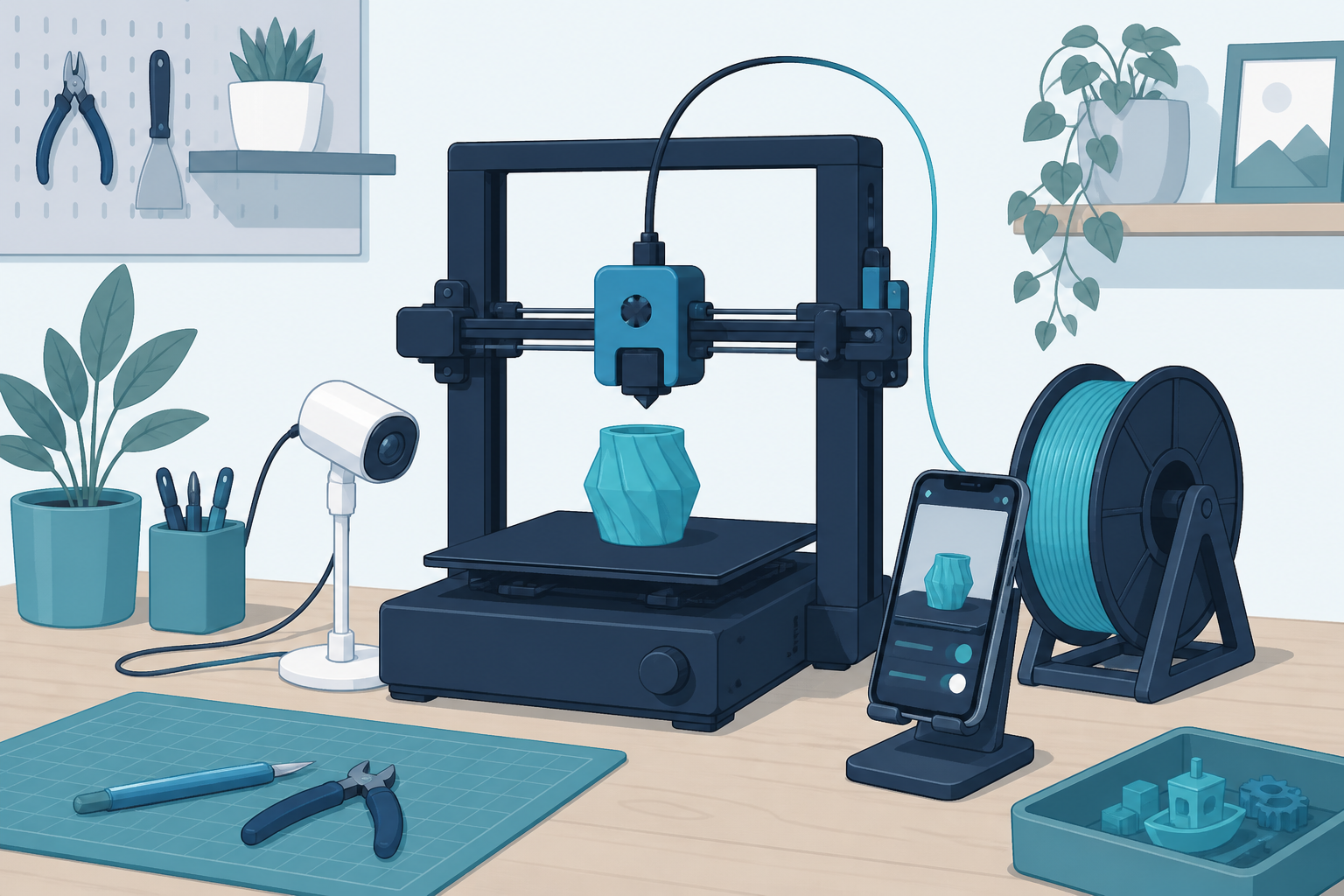
Aim the camera at the nozzle and the front half of the build plate. A beautiful wide shot of the whole desk is not helpful if the print edge lifts just outside the frame. You should be able to tell whether filament is laying down smoothly and whether the part is still attached.
Avoid mounting a camera so close that it blocks the toolhead or catches heat from the hotend. Keep cables away from belts and moving axes. Check the view after the printer homes and after it moves to the far corners.
The first five layers matter most. Watch the skirt, brim, and early infill before walking away. A camera is much better at revealing a bad first layer than at diagnosing a subtle extrusion problem after eight hours.
Hero accessory: Creality Nebula
Creality Official Nebula Camera is the add-on for desks that already live in the Creality pad and printer ecosystem. Night vision and manual focus matter more than marketing resolution numbers. You need a sharp nozzle view at 2 a.m., not a cinematic wide shot of the shelf.
Confirm compatibility before you buy. This is not a universal USB webcam for every Ender ever sold. On supported machines, it is the clean way to add monitoring without replacing the printer.
Mount it so the cable cannot snag the toolhead. After install, run a short calibration print and watch the feed while you stand next to the machine. If the first layer is blurry, fix focus before you trust a remote check.
Built-in route: Bambu P1S Combo
The Bambu Lab P1S Combo includes a camera as part of its connected workflow. That is convenient because the view, app, and printer controls belong together. You do not have to print a custom mount, power a separate webcam, or wonder whether a firmware update broke the feed.
It is a full printer purchase, not an accessory for someone who already owns a working open-bed machine. If you are choosing a new enclosed printer and monitoring matters, though, it is a clean option. Read best 3D printer and best enclosed 3D printer for the broader buying decision.
Know what a camera cannot do
A camera cannot make unattended printing risk-free. It cannot smell hot plastic, clear a jam, or put out a fire. Keep your printer on a stable surface, follow the manufacturer's guidance, and use an appropriate smoke alarm nearby. If the room is not suitable for a long hot print, a phone view does not change that.
It also cannot fix loose belts or a dirty plate. If the view shows the same failure twice, stop watching and solve the cause. Clean the bed, check first-layer setup, and work through a small calibration print. Keep a focused 3D printer maintenance kit near the machine for the fixes the camera only reveals.
A quick monitoring routine
Before a long job, clean the plate and check that the spool can turn freely. Start the print while you are nearby. Look at the first layer in person, then confirm the camera view is useful. Check again after supports begin and after the first major height change.
If a print becomes a loose ball of filament, stop it. Do not hope it reconnects. Remote viewing is for early detection, not for negotiating with spaghetti.
For enclosure airflow and chamber views, also skim 3D printer enclosure so the camera is not staring into a fogged panel or a blocked window.
Set a phone timer for the moments that usually fail on your machine: after the first layer, after the first support tree starts, and around 50 percent height on tall parts. A camera without a habit is just another black rectangle on the shelf. The habit is what turns impressions into saved spools.
Lighting matters more than people admit. A dim corner makes every failure look like a shadow. Add a small desk light aimed at the bed if night vision still looks muddy. Then re-check focus. A sharp bad print is easier to diagnose than a blurry maybe.
Bottom line
A 3D printer camera is a practical way to spot failure early, especially on long prints. Point it at the nozzle and first layer, use it to decide when to intervene, and keep normal printer safety habits in place. Add the Creality Official Nebula Camera when your Creality stack supports it. Choose the Bambu Lab P1S Combo when you want monitoring baked into a new enclosed machine.
Frequently Asked Questions
Do I need a camera for my 3D printer?
No. It becomes useful when prints run long enough that you cannot stay in the room for the first layers and the mid-print checks.
Can a camera stop a failed print?
Some apps can pause a job after detection. Confirm that feature for your stack. Most of the time the camera helps you decide to walk over and stop the print yourself.
Where should I point a 3D printer camera?
Aim at the nozzle and the front third of the build plate. You need to see the first layer and whether a corner lifts.
Is the Creality Nebula Camera universal?
No. It is built for specific Creality pads and printers. Check the listing compatibility before you buy it for an older Ender or a non-Creality machine.
Is camera monitoring safe for overnight printing?
No. Monitoring helps, but it does not replace a suitable location, a smoke detector, and following your printer maker's safety guidance. See 3D printer fire safety.
Should I buy a camera or a new printer with one built in?
If your current printer already works, add a compatible camera. If you are replacing the machine anyway and want enclosed printing plus monitoring, look at something like the P1S Combo path in best 3D printer.
Can I use a normal webcam instead?
Sometimes, with a printed mount and software you maintain. Official printer cameras usually break less often and integrate with the same app that already controls the job.