Multi Color 3D Printer: What It Costs and How the Color Systems Work
Printers
Color printers are cheap now, and the cost moved to the purge. Here is what multicolor runs at $329, $549 and $899, and how much filament and time each feeder eats.
Our picks
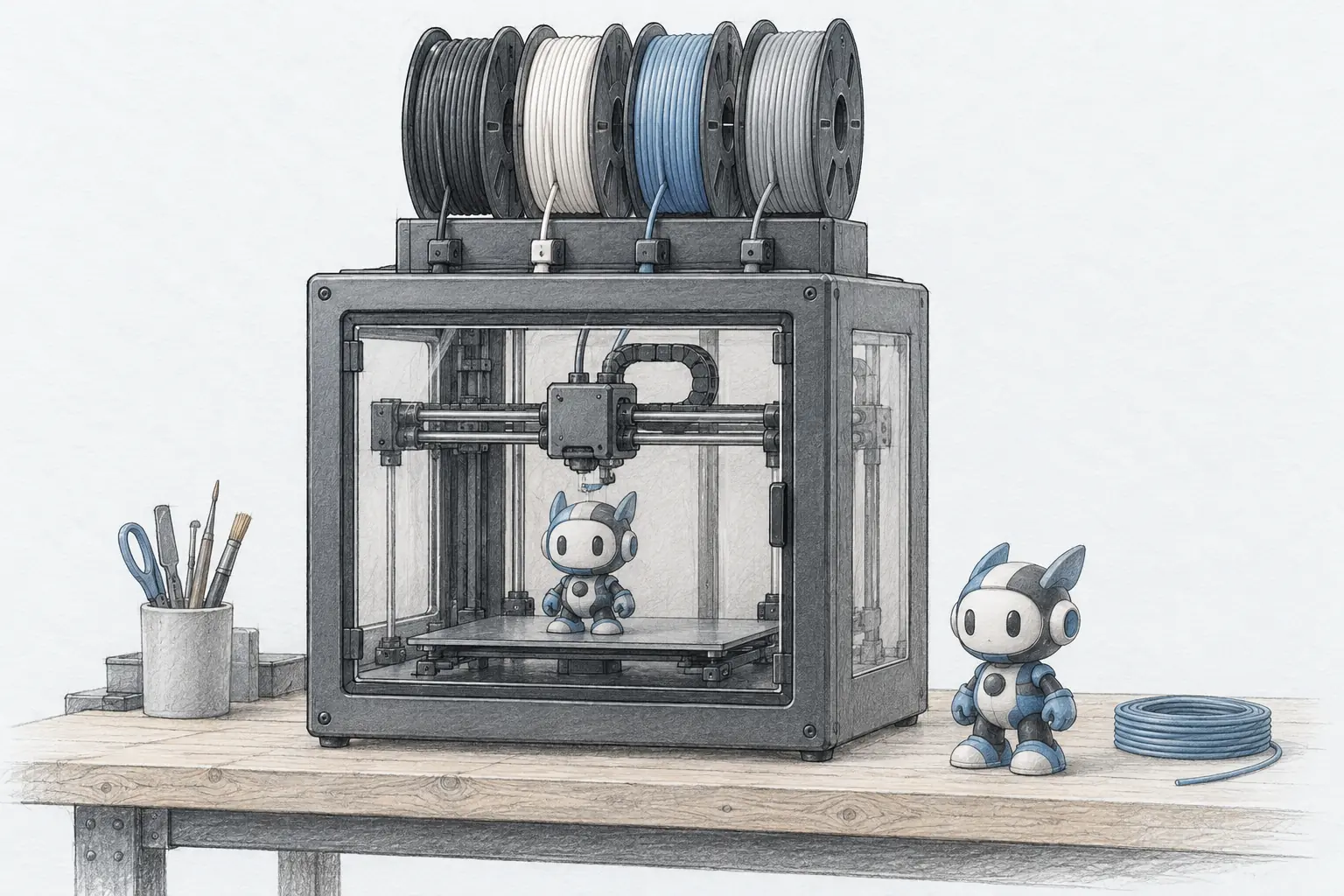
Color used to mean a $1,000 machine and a lot of babysitting. In 2026 it means a feeder box sitting on top of a normal printer, and the printers themselves now start where a single-color machine did a couple of years ago.
The cost moved somewhere else. Every color change on a single-nozzle printer is a cut and a purge, so the real price of multicolor is the filament you throw away and the time it adds. This guide prices the three bands that matter and explains what each feeder system does. For picks by brand and use case, see our best multicolor 3D printer roundup and the rest of the printer guides, then start from the best 3D printer pillar if you are still choosing a machine.
How much does a multi color 3D printer cost?
A real four-color printer now runs about $329, about $549 for an enclosed machine, and about $899 for a large heated build. The feeder adds far less to the price than the purge adds to your filament bill.
The new $329 floor
Three years ago a four-color printer meant a flagship price. Today the ELEGOO Centauri 2 Combo sells for about $329 and prints four colors from a 350°C hotend on a 256mm build plate. The feeder is included, not an upgrade.
That price reset changed who buys in. A beginner can now start in color without a second machine, and the feeder box is small enough to sit on the same bench. The trade is the open frame: you get color, not a heated chamber.
What $549 buys
Step to the Bambu Lab P1S Combo at about $549 and you add an enclosure, the AMS feeder, and the largest model library in the hobby. The enclosed body holds heat for ABS and ASA and keeps drafts off tall prints.
This is the band most buyers land in, and it is the point where multicolor stops feeling experimental. Setup takes about 15 minutes, bed leveling is automatic, and the feeder loads four spools at once. You pay for that reliability rather than for raw speed.
What $899 buys
At about $899 the Anycubic Kobra S1 Max Combo trades bench size for build size. Its 350 x 350 x 350 mm volume prints large parts in one piece, and a heated 65°C chamber with a 350°C hotend handles ABS, ASA, and PC. The ACE 2 Pro feeder prints four colors and expands to sixteen with more units.
This is the band for functional parts, not ornaments. If your models fit inside 256mm, the smaller machines do the same color job for hundreds less and leave more budget for filament.
How do the color systems actually work?
A feeder box holds four spools, loads them one at a time into a single nozzle, and purges the old color before the new one arrives. Multi-head machines switch nozzles instead and skip the purge, but almost every home printer uses the one-nozzle approach.
One nozzle, a cut and a purge
Watch a single-nozzle color change and you see the whole story. The printer cuts the filament, retracts it to the feeder, loads the next spool, and flushes the old color out of the hotend before it continues. That flush is the purge, and it happens on every swap.
The purge exists for a reason. Without it, the first lines of the new color would smear into the old one, and the model would show a muddy band at every transition. The purge tower is what keeps the colors from smearing, and it is why color-dense models waste more filament than sparse ones.
The feeder names, decoded
Every brand names its feeder differently, which makes shopping confusing. They do the same basic job, with different spool counts and drying features.
The one difference that matters is drying. A feeder that dries loaded spools keeps them ready between prints, and that is worth real money if you live somewhere humid. Everything else is mostly a color count.
How much filament does a color change waste?
A single swap purges a few grams and takes roughly a minute. On a model with hundreds of swaps, the waste can weigh more than the print. Check the purge number in your slicer before you commit to a long job.
The math on a color-dense model
Run a small test on your own machine. A two-color plaque might swap ten times and waste a few grams. A detailed figure with the color painted across many layers can swap hundreds of times, and a torture test on a four-color machine crossed 1,100 changes and wasted more filament than the model used.
Owners report the same thing: on color-dense models, multicolor can use double the filament. On models where colors change in tall bands, the waste drops to almost nothing, because the printer changes color a handful of times instead of every layer.
How to cut the purge
Three settings do most of the work. Flush the purge into an object already on the plate, turn the purge tower off, and group your color changes by height so the swaps happen in fewer layers. None of them mix colors, and together they cut waste on most models.
The color order matters too. Going from black to white purges more than going from red to orange, because the contrast is harder to clear. Arrange the spools in the feeder so the biggest jumps happen least often, and the purge shrinks on its own.
Can I 3D print with different colors on a normal printer?
Yes. Pause the print at a layer height, swap the spool by hand, and resume. A single manual change handles a two-color model on any printer and costs nothing extra, which is the cheapest way to test whether you even want a feeder.
Pause and swap by hand
Most slicers have a filament-change command you can drop at any layer. Print a two-color nameplate with two manual pauses and you learn the workflow for free, including how the seam looks where the color changes.
Manual swaps stop being practical past a few colors or a dozen changes, because someone has to stand there for each one. They are still the honest answer for the buyer who prints color once a month rather than every day.
Does Flashforge have a multicolor printer?
Yes. Flashforge sells the AD5X, a 220mm CoreXY with the IFS feeder that prints four colors and refills spools automatically. It sits in the same sub-$400 band as the ELEGOO Centauri 2 Combo.
Where the AD5X fits
The AD5X is the pick for a small build volume at a low price, with the same 600mm/s headline speed as the more expensive machines and a 300°C hotend. It is one of several four-color options near $349, which is the clearest sign that color has become standard rather than premium.
Which multi color 3D printer should you buy?
Three machines cover the bands that matter: an enclosed all-rounder, a large enclosed builder, and a budget entry. All three come with a four-color feeder, and all three are sold on US Amazon.
Best overall: Bambu Lab P1S Combo
The Bambu Lab P1S Combo is the pick for most people at about $549. The enclosed CoreXY handles PLA, PETG, and TPU, and has enough heat for ABS and ASA when you want tougher parts. The AMS feeder holds four spools and stacks up to sixteen colors across more units.
Much of the price is the setup. Bambu prints largely stay out of your way, with automatic bed leveling and a model library you can browse from the printer. The machine has the biggest owner base here, so almost every question already has an answer somewhere.
Two things to plan around. The AMS prefers Bambu or plastic spools, and a cardboard roll can wobble and jam, which printed spool rings fix. And the small button screen feels dated next to touchscreen rivals, though most of the work happens in the slicer anyway. Pair it with dry filament and the loaded spools stay ready.
Best large-format: Anycubic Kobra S1 Max Combo
The Anycubic Kobra S1 Max Combo is the large-format pick at about $899. The 350 x 350 x 350 mm build volume, a 65°C heated chamber, and a 350°C hotend put it in a class that costs far more from some brands. The ACE 2 Pro feeder prints four colors and grows to sixteen with more units.
The reason to buy it is engineering materials. The heated chamber keeps ABS and ASA parts from warping on large flat sections, which is the whole point of a machine this size. It is also at a Prime price of $899.99 right now, about $100 under list, which is the best deal we have seen on the Combo.
Two things to know. It works only with the ACE 2 Pro, so older Anycubic feeders will not connect, and each color change is a cut and a purge that adds about a minute. It is a machine for large functional parts and color, not a set-and-forget ornament printer.
Best budget: ELEGOO Centauri 2 Combo
The ELEGOO Centauri 2 Combo is the budget pick at about $329, the lowest price we found for a real four-color CoreXY. It pairs a 350°C hotend and a 110°C bed with the CANVAS feeder, RFID spool loading, and automatic refill, so a spool that runs out swaps to a backup without stopping the print.
It is the best first color machine for most homes. The feeder takes minutes to learn, the touchscreen is clear, and the model workflow runs through ELEGOO's own slicer or Orca. The owner base is the largest of the three, so setup help is easy to find.
The two catches are purge waste and cloud features. Waste adds up fast on color-dense models, which is true of every single-nozzle machine, and those features are steadier in local-network mode. Neither is a dealbreaker at this price. If you are choosing your first printer overall, start from our beginner printer picks.
Who should skip multicolor?
Skip it if you print one color most of the time, or if your models change color only once or twice. A manual pause at a layer handles two colors on a single-color machine for free, and the money saved buys a lot of filament.
Put that money somewhere else when your parts are functional. A bracket, a jig, or a replacement knob gains nothing from four colors, and a cheaper single-color machine with a good hotend will print it just as well. Buy color when color is the point.
Bottom line
Most people should buy the Bambu Lab P1S Combo at about $549, an enclosed four-color machine that runs without babysitting and has the largest owner base here. Choose the Anycubic Kobra S1 Max Combo when a 350mm heated chamber is the reason you are buying, and it is on a Prime price worth catching. Start with the ELEGOO Centauri 2 Combo at about $329 if you want real four-color printing for the least money.
Pick the machine for your build size first, then check the purge waste, and multicolor stays fun instead of expensive.
Frequently Asked Questions
How much is a multi color 3D printer?
A real four-color printer starts near $329 for a compact CoreXY, runs about $549 for an enclosed machine with the best support, and reaches about $899 for a large enclosed build. The feeder adds far less than the color changes add to your filament bill.
How much will a 3D printer cost with four colors?
Budget for the printer plus at least two extra spools to fill the feeder, so add roughly $40 to $60 to the sticker price. A four-slot feeder that is only half full still works, it just changes between fewer colors.
Does Flashforge have a multicolor printer?
Yes. Flashforge sells the AD5X, a 220mm CoreXY with the IFS feeder that prints four colors and auto-refills spools. It sits in the same sub-$400 band as the ELEGOO Centauri 2 Combo.
Can I 3D print with different colors on a normal printer?
Yes. Pause the print at a layer height, swap the spool by hand, and resume. That single manual change handles a two-color model on any printer and costs nothing extra.
How much filament does a color change waste?
A single swap purges a few grams, and the whole change takes about a minute. On a model with hundreds of swaps the waste can outweigh the part itself, so check the purge number before slicing.
How do I reduce purge waste on multicolor prints?
Flush the purge into an object on the plate, turn the purge tower off, and group your color changes by layer where you can. These three changes cut waste without mixing colors.
Is multicolor worth it for a beginner?
Only if you will actually print in color. A beginner printing one color most of the time gets more value from a reliable single-color machine and spends the difference on filament.
Do all multicolor printers need a purge tower?
Single-nozzle machines do, because the nozzle has to clear the old color before the new one arrives. Multi-head and tool-changer machines skip the tower by switching nozzles instead.