Best Filament Cleaner for 3D Printing (2026): Purge, Dust, Pins
Filament
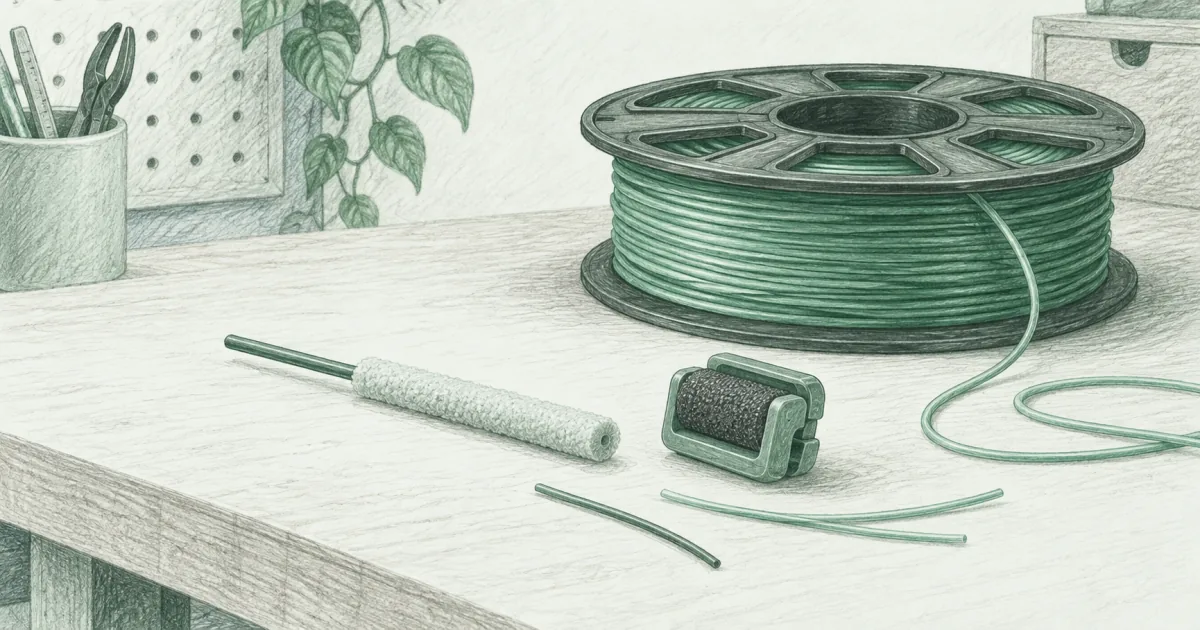
A clog is usually two or three different problems. Purge sticks clean inside the hotend, a foam clip wipes the strand, and a pin clears a nozzle that is already sealed. Here is what each one costs.
Our picks
The best filament cleaner for a home printer is three cheap tools, not one. The 3D Fuel 3D Clean purge sticks handle the inside of the hotend, the Outus foam filter handles the dust on the way in, and the pin kit handles the night nothing comes out at all. Together they cover the three ways a nozzle actually fails.
Start with the rest of our filament guides if you are still choosing spools, and keep the best 3D printer filament guide open while you decide. Cleaning is the maintenance layer on top of a good spool, not a rescue for a bad one.
Most people find cleaning filament after a specific bad night. A print starts under-extruding, the color looks muddy after a swap, or the nozzle keeps leaving wisps on the first layer. That is usually residue, not a dead hotend. The cheap fix is a purge, not a new nozzle.
The confusing part is naming. Some products clean the hotend from the inside, some wipe the filament from the outside, and some are just a metal pin. They solve different problems, and a good bench eventually has one of each.
Which cleaner do you need for your problem?
What does each one cost per use?
What a filament cleaner actually does
There are two jobs hiding behind one phrase. A cleaning filament is a purge compound. You feed it through a hot nozzle, it grabs residue and old polymer, and you reverse it out. It works because it flows differently from normal filament and lifts what sticks to the walls.
A dust cleaner is a physical wiper. It clips onto the filament path and traps lint, dust, and the oil your fingers leave on the strand. That matters in a workshop where a spool sits out for weeks and picks up grit.
Neither one is a cold pull. A cold pull yanks a plug of semi-molten plastic out of a fully blocked nozzle. Cleaning filament cannot pass through a nozzle that is already sealed, which is why the third tool exists.
Top pick: 3D Fuel 3D Clean purge filament
The 3D Fuel 3D Clean sticks are the default for a reason. They are a non-chemical, non-abrasive thermoplastic purge compound, and they are designed to be extruded rather than yanked. You set the nozzle to the temperature of the material you last printed, feed a stick by hand, and watch it carry residue out.
The practical benefit is color changes. White after black is the classic problem on a single nozzle, and a couple of 3D Clean passes gets you back to a clean flow instead of a gray first layer. It also helps between PLA and PETG, where the temperature gap leaves a plug of the old material behind.
Each tube holds 50 eight-inch sticks with a desiccant packet. That is a lot of purges for the money. Run it at 230C unless the material you are clearing needs hotter.
Choose 3D Clean if you swap colors and materials often and want to see the gunk leave. Skip it if your nozzle is fully blocked, because this is not the tool for that.
How much of a stick does one purge use?
About half a stick for a normal color change, so a tube covers 50 to 100 swaps and a purge costs 20 to 40 cents. A stubborn material change can take two sticks, and running short passes beats one long one because the compound carries residue only while it is moving.
Best for a blocked nozzle: 22Pcs pin kit
The 22Pcs nozzle cleaning kit is the third tool, and the one people buy last because it looks like filler. It is $5.97 for a 1.5 mm clog poke, twenty 0.4 mm needles, and a wire brush, and it is the only one of the three that does anything when the nozzle is fully blocked.
The workflow is simple. Heat the nozzle to printing temperature, push the 1.5 mm poke in from the top to clear the melt zone, then use a 0.4 mm needle from the tip for the last few millimeters. Brush the tip while it is warm, and run a short purge of real filament before the next print.
Choose the kit if you have ever thrown away a nozzle because you could not clear it. Skip it if you already own a set of acupuncture needles, because that is what half of this kit is.
Will a pin fix a clog that cleaning filament cannot?
Sometimes, and it is worth trying before you buy a nozzle. The pin clears a physical plug. It cannot clear a nozzle worn oval by abrasive filament, and it cannot fix under-extrusion caused by a slipping extruder gear or a wet spool.
Best dust filter: Outus filament dust cleaner
The Outus filament dust cleaner is the cheap add-on that pays for itself quietly. It is a small foam block that slips over 1.75mm filament, and you clip it between the spool and the extruder so the strand is wiped before it reaches the gears.
Dust is not harmless. Grit that rides into the hotend bakes onto the nozzle wall, which is where a slow partial clog starts. Handling oil from your fingers does the same. A foam wiper cuts both down and costs very little.
The six-pack is the right size for a small print farm or a two-printer household, because you can leave one on each machine. Replace the foam when it looks loaded up rather than washing it forever.
Choose the Outus filters if your spools sit out or your room is dusty. Skip them if you already keep every spool in a dry box and print in a clean room, because there is less for them to catch.
Do dust filters cause their own problems?
They can. A filter that adds noticeable drag can starve the extruder or shed foam into the path, so test the glide by hand before a long print and take it off if the filament feels tight.
How to run a purge without making a mess
- Heat to the previous material's temperature. If you just printed PETG, set the nozzle to PETG, not PLA. The purge has to melt the residue it is clearing.
- Release the extruder tension. On a direct-drive machine, press the lever so you can feed by hand without fighting the gears.
- Feed slowly until the output runs clean. Watch the color change. Stop when the purge comes out the same shade in and out.
- Reverse it out. Most cleaning filaments pull back cleanly once the nozzle is clear. Do not yank a cold strand.
- Run a short purge of your next material. A meter of the real spool clears any cleaning compound before a job.
- Wipe the nozzle while it is warm. A brass brush or a folded paper towel gets the residue off the tip so it does not drag into the first layer.
What if the purge will not pass at all?
Then stop feeding and go to the pin. Pushing harder on a sealed nozzle bends the compound and packs it tighter, which turns a five-minute fix into a nozzle swap.
If neither the purge nor the pin restores flow, the problem is bigger than residue. Our how to unclog a 3D printer nozzle guide walks through a cold pull and a nozzle swap.
Cleaning filament versus a cold pull
Cleaning filament is a maintenance tool. It removes partial blockages, old color, and light char while the nozzle still flows. It is the thing you do on a Tuesday night before a print, not the thing you do when nothing comes out at all.
A cold pull is a rescue tool. You heat the nozzle, insert the filament, cool it to a specific temperature, then pull the plug out with the debris attached. It works when the blockage is solid and the cleaning filament cannot pass.
Own both skills. Keep a cleaning spool and a pin kit on the bench, and let the nozzle cleaner guide cover the hardware side. The pair costs less than one ruined spool.
When cleaning filament will not help
It will not fix a worn nozzle. If the tip has been ground flat by abrasive filament, the flow stays wrong no matter how clean it is. Replace the nozzle.
It will not fix wet filament. Moisture in a spool pops and foams at the nozzle and looks like a clog. Dry the spool, then try again. Our how to dry filament guide covers that.
It will not fix a mechanical feed problem. A slipping extruder gear, a chewed strand, or a tangled spool all look like under-extrusion from a distance. Check the simple things before you buy more cleaning supplies.
It will not fix non-melting debris. A stray piece of metal or a hardened chunk of carbon cannot dissolve. If a purge does not clear it, a cold pull or a new nozzle will.
Bottom line
The 3D Fuel 3D Clean sticks at $19.90 are the best filament cleaner for most printers because they scrub the hotend and show you the result, and they are the fastest fix for a muddy color change. The 22Pcs pin kit at $5.97 is the one that matters when nothing comes out, and the Outus Dust Cleaner clips at $8.55 handle the strand itself. Use the purge for the inside, the filter for the outside, and the pin for the night a cold pull is the only answer.
Frequently Asked Questions
How do I clean filament?
You usually do not clean the filament itself. You clean the path it travels. A foam dust filter wipes the strand as it feeds, a cleaning filament purges the inside of the hotend, and a pin clears a nozzle that is already sealed. For a partial clog, feed cleaning filament at the previous material's temperature until it comes out clean, then load your normal spool.
What is the difference between cleaning filament, a dust filter, and a nozzle pin?
Cleaning filament melts and carries residue out with it. A dust filter is a physical wiper on the strand before the extruder. A pin is a metal tool that pushes through a blockage. They solve three different problems, and a bench that prints a lot ends up with all three.
Does cleaning filament actually work?
On partial clogs and color contamination, yes. It grabs polymer residue, small carbon strands, and old color and carries them out of the nozzle. It cannot remove non-melting debris or clear a fully blocked nozzle, so keep a pin for that job.
How much does one purge cost?
About 20 to 40 cents. A stick is eight inches long, one or two sticks cover a normal color change, and a tube of 50 costs $19.90. That is cheap next to a failed 12-hour print.
Will a pin fix a clog that cleaning filament cannot?
Sometimes. The 1.5 mm poke clears the melt zone above the nozzle, and the 0.4 mm needles clear the tip itself. If the blockage is hardened carbon or a piece of metal, neither works and the nozzle gets replaced.
How can I clean PLA filament?
You do not wash the spool. Keep the strand dust-free with a foam filter, store the spool dry, and purge the hotend with cleaning filament when a print starts under-extruding. See our filament storage guide for the dry-box routine.
Does isopropyl alcohol ruin PLA?
A quick wipe of IPA on the outside of a strand is fine and it evaporates fast. Soaking a spool is not. Do not put filament in a bath, because the solvent can carry pigment and additives into the plastic. Save the IPA for the build plate.
How often should I use cleaning filament?
Use it when you change from one material to another, when you swap to a very different color, or when extrusion looks inconsistent. Once a month is plenty on a single printer. Every color change is not overkill if you print a lot of white after black.
Will a dust filter stop clogs?
It removes one cause, not all of them. Dust and handling oil on the strand do bake onto the nozzle and cause partial clogs. A foam filter cuts that down. It will not fix wet filament, a worn nozzle, or a bad retraction setting.
Can I print with cleaning filament?
No. It is a purge compound. It does not hold dimensions or layer strength like PLA or PETG. Feed it through, let it carry the old material out, and switch back to a real spool before you start a print.
Is cleaning filament worth it on a direct-drive printer?
Yes, and it is easier there. Direct-drive machines let you feed a short stick by hand and reverse it out without much pressure. Bowden machines work too, but you may need to push gently to get the compound moving.